DALL·E 3 Is Gone: How to Create Images With ChatGPT Images in 2026
DALL·E 3 left ChatGPT and the API in 2026. How to create and edit images with ChatGPT Images 2.5: plans, copy-ready prompts, text, usage rights, watermarks.
Published . Updated . 13 min read. Based on official sources, checked on the update date; every price links to its source. Our method.
Contents
- Is DALL·E 3 Still Available?
- Is ChatGPT Images Free? Plans and Limits
- How to Create an Image in ChatGPT, Step by Step
- Copy-Ready Prompts
- How to Edit Part of an Image
- How to Get Legible Text in an Image
- Aspect Ratios, Transparent Backgrounds and Downloads
- Who Owns Images Made With ChatGPT?
- Watermarks and C2PA: How ChatGPT Images Are Labeled
- Common Mistakes and How to Fix Them
- What About the DALL·E 3 API?
- Alternatives: Gemini (Nano Banana) and Midjourney
- FAQ
DALL·E 3 is no longer part of ChatGPT: OpenAI replaced it as the default image generator on March 25, 2025, retired the DALL·E GPT on August 30, 2026, and shut the model down in its API on May 12, 2026. To create images today, you use ChatGPT Images, whose version 2.5 launched on September 8, 2026 and is available on every plan, including Free (OpenAI Help Center, checked Sept. 25, 2026).
This tutorial shows you how to get a ready-to-use image in a few minutes (a poster, a blog header, a product shot, an edited photo): where to click, what you pay, which prompts to copy, how to edit just one area, how to get legible text, and what OpenAI’s terms say about ownership and watermarks. A free ChatGPT account is enough to start; Plus ($20 a month) adds images with thinking and higher limits.
This page was first published as a DALL·E 3 guide and was rewritten on Sept. 25, 2026 from OpenAI’s Help Center, release notes and terms, linked throughout. Génie Artificiel earns no commission on ChatGPT.
Is DALL·E 3 Still Available?
No, neither in ChatGPT nor in OpenAI’s API. Here’s how it was phased out:
| Date | What happened |
|---|---|
| Oct. 16, 2023 | DALL·E 3 arrives in ChatGPT as a beta (release notes) |
| Mar. 25, 2025 | GPT-4o’s native image generation becomes the default image generator; DALL·E stays available only through a dedicated GPT (OpenAI announcement) |
| Dec. 16, 2025 | A new version of ChatGPT Images; every image you create is saved at chatgpt.com/images |
| Apr. 21, 2026 | ChatGPT Images 2.0, plus “images with thinking” on paid plans |
| May 12, 2026 | The dall-e-2 and dall-e-3 models are removed from the API (API deprecations page) |
| Aug. 30, 2026 | The official DALL·E GPT is retired from ChatGPT |
| Sept. 8, 2026 | ChatGPT Images 2.5: sharper detail, more precise edits, up to 50% lower latency than Images 2.0 (OpenAI announcement) |
Unless noted, dates come from the ChatGPT release notes (checked Sept. 25, 2026). Custom GPTs with image generation turned on weren’t affected by the DALL·E GPT retirement: they use the new model, until custom GPTs themselves are retired on Dec. 11, 2026.
What about Bing Image Creator, long billed as “free DALL·E 3”? On Bing Image Creator, the model picker no longer lists DALL·E: it offers MAI-Image-2.5-Flash and MAI-Image-2e, Microsoft’s own models (checked Sept. 25, 2026). Guides that promise free DALL·E 3 through Bing are out of date.
Is ChatGPT Images Free? Plans and Limits
Yes. Image generation is included on every plan, but it’s limited and slower without a subscription. U.S. prices below come from OpenAI’s announcements and Help Center; plan features from the ChatGPT pricing page (checked Sept. 25, 2026):
| Plan | U.S. price | Image generation | Images with thinking |
|---|---|---|---|
| Free | $0 | Limited and slower | No |
| Go | $8/month | More than Free | No |
| Plus | $20/month | “More advanced and more precise” | Yes |
| Pro | $100/month (5x) or $200/month (20x) | Faster and unlimited | Yes |
Price sources: ChatGPT Go announcement, ChatGPT Plus and ChatGPT Pro tiers (checked Sept. 25, 2026). New sign-ups for the $200 Pro tier have been paused since Sept. 10, 2026; the $100 tier is still open.
Business, Enterprise and Edu workspaces also get ChatGPT Images. Images with thinking, which plans and refines the image before generating it, is available on Plus, Pro and Business and is coming “soon” to Enterprise and Edu (Help Center, checked Sept. 25, 2026).
OpenAI doesn’t publish a daily image count for Free, Go or Plus, so the numbers that circulate online (“2 to 3 images a day” on Free) aren’t official. The only published figure dates from Go’s worldwide launch in January 2026: 10 times more image creation than the free tier (ChatGPT Go announcement). Images 2.5 didn’t change existing limits. For a full breakdown of the plans, see our ChatGPT pricing and features guide.
How to Create an Image in ChatGPT, Step by Step
ChatGPT Images works on the web (chatgpt.com) and in the iOS and Android apps. Button names below match OpenAI’s Help Center (checked Sept. 25, 2026).
- Sign in to ChatGPT with a free or paid account.
- Open Images: select Images in the sidebar, or select More, then Images. You can also just ask for an image in a regular chat.
- Describe the image in the message box (see the prompts below). For a specific shape (landscape, portrait, square), use the aspect ratio picker or put the ratio in your prompt.
- Wait: complex requests can take a few minutes. You can keep using ChatGPT in the meantime.
- Refine in the chat: “brighter,” “remove the text,” “same scene, wider shot.” ChatGPT generates a new version each time.
- Save the image: open it, then select Save to download it, Copy to paste it elsewhere, or Share. Everything you create stays in Images, on the web and on mobile.
Two shortcuts arrived with Images 2.5:
- Start from a template: go to Images, then Templates, pick a category (poster, logo…), then a template, and swap in your own details. ChatGPT may ask follow-up questions, for example about visual style. Templates aren’t available in Work mode yet.
- Start from a sketch (mobile app): in the message box, type @ and choose Sketch, draw, tap the checkmark, then describe the image you want.
Copy-Ready Prompts
OpenAI suggests building a prompt in this order: the result you want (subject, use, composition), visible details (materials, lighting), people and what they’re doing, the exact text to display, then constraints (OpenAI’s image prompting guide, written for the GPT Image models in the API). The examples below follow that structure; adjust the subject, text and colors to fit your project.
Event poster with text
Vertical poster for an outdoor farmers market. Stalls of seasonal fruit and vegetables under string lights, late afternoon, golden light. Flat illustration style with warm colors. At the top, in large letters: "Riverside Farmers Market". At the bottom, smaller: "Saturday, October 17 · 9 AM – 1 PM · Main Street Plaza". No other text in the image.
Product photo for an online store
Square product photo of a sage green ceramic mug on a light wood countertop. Soft natural light from the left, subtle shadow, plain off-white background. Centered framing, photorealistic, no text or logos.
Blog header illustration
Horizontal 16:9 illustration for an article about remote work: a person working on a laptop in a bright living room, a houseplant and a coffee cup on the table. Editorial illustration style, blue and orange palette, simple shapes. No text.
Simple infographic
Vertical infographic in 4 steps titled "How to Recycle Right". One icon and one short line per step: "Empty containers", "Flatten boxes", "Separate glass", "Use the right bin". Flat design, white background, green tones. Check the spelling of every word.
Sticker with a transparent background
Sticker of a smiling red fox holding a cup of coffee, cartoon style with thick outlines and a white border around the character. Transparent background.
Style, lighting and framing: the tips from the original guide still work. Name an art movement, a time of day or a lens type.
A city street in the rain at night, lit by streetlamps, reflections on wet cobblestones, melancholic mood. Realistic photo taken with a telephoto lens, shallow depth of field.
Portrait of a woman reading in a café, in the style of Cubist painting, geometric shapes and ochre tones.
How to Edit Part of an Image
You can edit an image ChatGPT generated or upload your own photo, then describe the change (Help Center, checked Sept. 25, 2026).
On the web
- Select the image in the chat or in Images to open the editor.
- Choose Select and highlight the area you want to change.
- Describe the edit, for example “replace the sky with a sunset.”
- Use Undo or Redo to adjust your selection, then Save when you’re happy with the result.
The editor also has Aspect ratio, which regenerates the image in a different shape.
On mobile: tap the image to open it full screen, choose Select, use the slider to resize the selection tool, highlight the area, tap Next, then describe the change. On mobile you can also leave comments directly on the image, and the image controls include Resize and Remove.
Selections aren’t always precise, and edits can spill beyond the highlighted area. To keep the rest intact, say what should change and what must stay the same, as OpenAI recommends:
Change only the jacket color to navy blue. Keep the face, hairstyle, pose, background and lighting exactly the same.
Replace only the background with a beach at sunset. Don't change the person, their clothes or the framing.
If the image degrades over several edits, go back to the last good version and restate what to preserve in every request.
How to Get Legible Text in an Image
ChatGPT Images can add text to an image: a poster headline, a label, infographic captions (Help Center). OpenAI’s prompting guide gives four rules:
- Put the exact text in quotation marks and say where it goes and how it should look (“at the top, in bold capital letters”).
- Spell out unusual words and brand names letter by letter.
- Ask for no other text in the image.
- Proofread the result for spelling and legibility, then fix mistakes with a targeted edit.
Horizontal invitation card, cream background, small watercolor flowers in the corners. In the center, in elegant script: "Camille's 30th Birthday". Below, in small caps: "Saturday, November 7, 7 PM". No other text.
Aspect Ratios, Transparent Backgrounds and Downloads
- Aspect ratio: ChatGPT can generate images in any aspect ratio. Pick one with the aspect ratio picker or in your prompt (“vertical 9:16 for a story”). In the editor, Aspect ratio regenerates an existing image in a new shape.
- Transparent background: ask for it in the prompt. It’s handy for logos, stickers and product cutouts.
- Download: Save, from the open image. The Help Center doesn’t specify the resolution or file type of images downloaded from ChatGPT.
- Deleting: an image disappears from Images when you delete the chat it was created in.
Who Owns Images Made With ChatGPT?
Under OpenAI’s Terms of Use (effective Jan. 1, 2026, checked Sept. 25, 2026), you own the output, to the extent permitted by applicable law, and OpenAI assigns you any rights it has in it. No plan is excluded, so commercial use is allowed, including on Free. Three caveats:
- Images aren’t necessarily unique: other users may get similar results, and the assignment doesn’t cover their images.
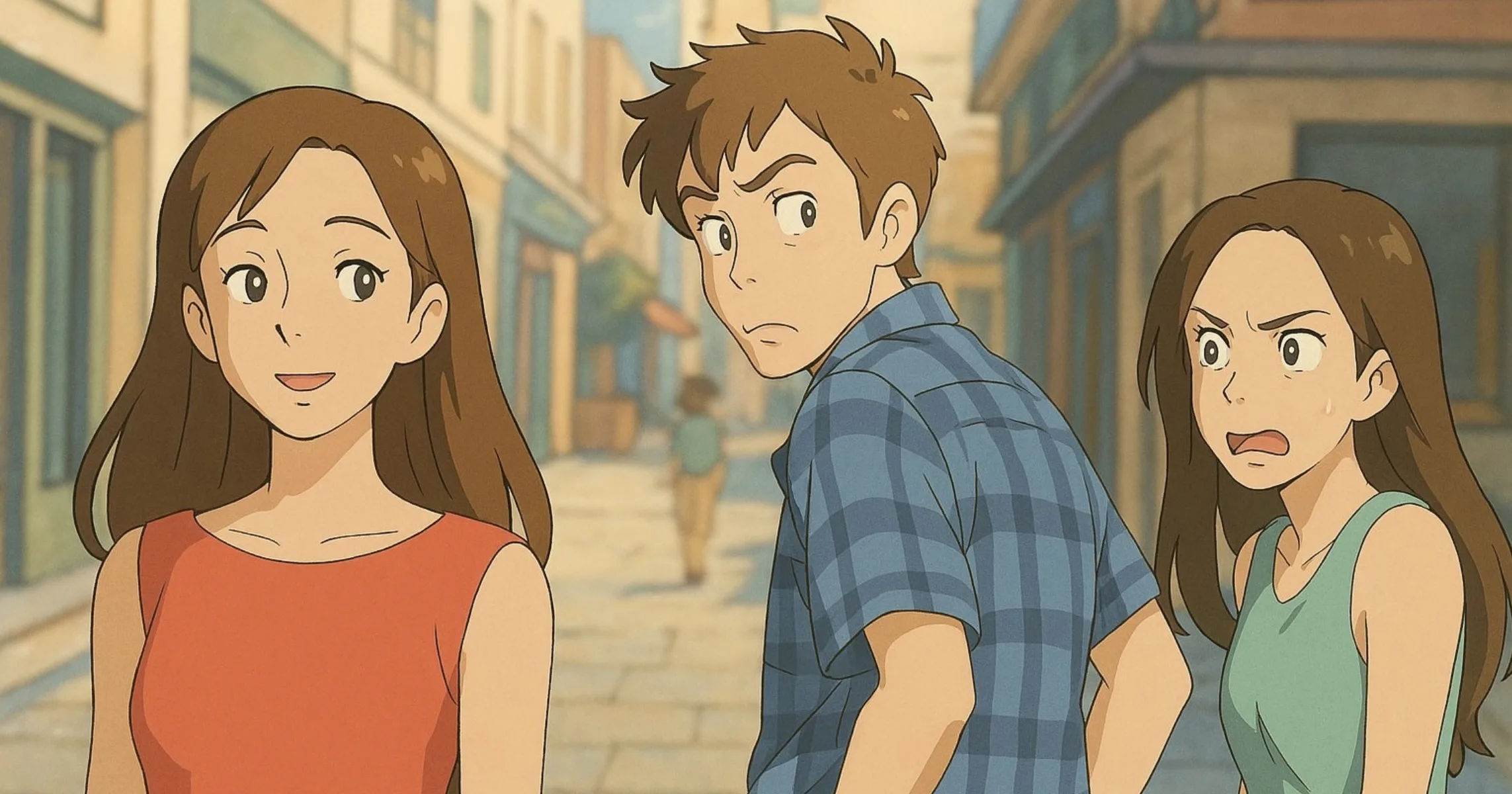
- Other people’s rights still apply: OpenAI’s usage policies prohibit infringing others’ intellectual property and using someone’s photorealistic likeness without consent in ways that could confuse authenticity. Stay away from protected characters, logos and brands; our story on AI-generated Studio Ghibli-style images covers that debate.
- Copyright protection isn’t guaranteed: OpenAI’s assignment says nothing about whether the image itself is protected by copyright. In its January 2025 report, the U.S. Copyright Office concluded that prompts alone don’t give users enough control to be considered the authors of the output (Copyright and AI, Part 2). For anything important (a trademark, a logo), talk to a lawyer.
Your content, images included, can be used to train OpenAI’s models on Free, Go, Plus and Pro unless you opt out in Data Controls: see the privacy section of our ChatGPT guide.
Watermarks and C2PA: How ChatGPT Images Are Labeled
Images generated with ChatGPT, Codex and the OpenAI API carry two invisible provenance signals (OpenAI Help Center on provenance signals, checked Sept. 25, 2026):
- C2PA metadata (Content Credentials), an open standard that records which tool created the file and when. It can be lost when a platform, an editing app or a file conversion strips it.
- An invisible SynthID watermark, embedded in the image itself, which may survive some edits.
There’s no visible watermark by default. You can ask for one in your prompt (“include a visible OpenAI watermark”). To check whether an image came from OpenAI’s tools, upload it at openai.com/verify. A negative result proves nothing: the metadata may have been removed, or the watermark degraded by compression or cropping.
Common Mistakes and How to Fix Them
- Request refused: ChatGPT checks both prompts and images. Refusals typically involve sexual content, deepfakes, some images of real people and intellectual property violations (usage policies). Rephrase, for example by describing an original character instead of an existing person or character.
- Misspelled text: shorten the text, put it in quotes, spell out tricky words, then fix the wrong word with a targeted edit.
- Edits spill over or the image drifts: selections aren’t always precise. Say “change only…” and list what must stay the same, in every request.
- Slow generation or limit reached: on Free, image generation is limited and slower. Wait for your limit to reset or move to Go or Plus; OpenAI doesn’t publish exact quotas.
- Can’t find an image: look in Images. If you deleted the chat, the image went with it.
- Old images from the DALL·E GPT: OpenAI asked users to download them before the GPT was retired on Aug. 30, 2026.
- No templates in Work mode: open a regular chat to use Images templates.
What About the DALL·E 3 API?
The dall-e-2 and dall-e-3 models stopped working on May 12, 2026; OpenAI had notified developers on Nov. 14, 2025. The newest image models in the API are GPT-Image-2.5 Flare, the default choice for most apps, and GPT-Image-2.5 Sunburst, more precise but slower (Images 2.5 announcement). More retirements are coming: gpt-image-1 on Oct. 23, 2026, then gpt-image-1.5, gpt-image-1-mini and chatgpt-image-latest on Dec. 1, 2026, with gpt-image-2 as the listed replacement (deprecations page, checked Sept. 25, 2026). The API is billed separately from any ChatGPT subscription.
Alternatives: Gemini (Nano Banana) and Midjourney
| ChatGPT Images | Google Gemini (Nano Banana) | Midjourney | |
|---|---|---|---|
| Free | Yes, limited and slower | Yes, Nano Banana 2 | No, no free trial |
| Cheapest plan | Go: $8/month | Google AI Plus: $4.99/month | Basic: $10/month |
| Strength | Conversational editing, text, templates | Photo editing, infographics, Google integration | Style control, image-to-video |
| Drawback | Unpublished quotas | Nano Banana Pro for subscribers only | Public creations unless on Pro or Mega |
Sources: ChatGPT Go announcement, Gemini subscriptions, Midjourney plans (U.S. prices, checked Sept. 25, 2026).
- Google Gemini creates and edits images with Nano Banana 2 on its free plan, from text or your photos, including infographics with legible text. The more precise Nano Banana Pro is for subscribers.
- Midjourney (V8.2 model) is for people who want an artistic look and a consistent style across images. It costs $10 to $120 a month with no free trial, and can animate images into short videos. To get started, see our Midjourney tutorial for beginners.
For a handful of images a month, free ChatGPT or Gemini is enough; Midjourney earns its price when style matters most.
FAQ
Is DALL·E 3 still available?
No. DALL·E 3 stopped being ChatGPT’s image generator on March 25, 2025, its dedicated GPT was retired on August 30, 2026, and the model left the API on May 12, 2026. ChatGPT Images 2.5 has replaced it.
Can I create images with ChatGPT for free?
Yes. ChatGPT Images is included on the free plan, with limited and slower generation. Go ($8/month) and Plus ($20/month) raise the limits; Pro makes image generation unlimited.
How many images can I make per day on the free plan?
OpenAI doesn’t say. The pricing page only describes image generation on Free as “limited,” with more on Go and Plus.
Can I use ChatGPT images commercially?
Yes. OpenAI’s terms give you ownership of the images you generate, on any plan. You’re still responsible for third-party rights: no protected characters, logos or real people without permission.
Do ChatGPT images have a watermark?
Not a visible one by default, but they carry C2PA metadata and an invisible SynthID watermark, which you can check at openai.com/verify.
Can I still use DALL·E 3 for free through Bing?
No. Bing Image Creator now runs Microsoft’s own models (MAI-Image-2.5-Flash and MAI-Image-2e) instead of DALL·E 3.